iPhone and iPad Email Setup
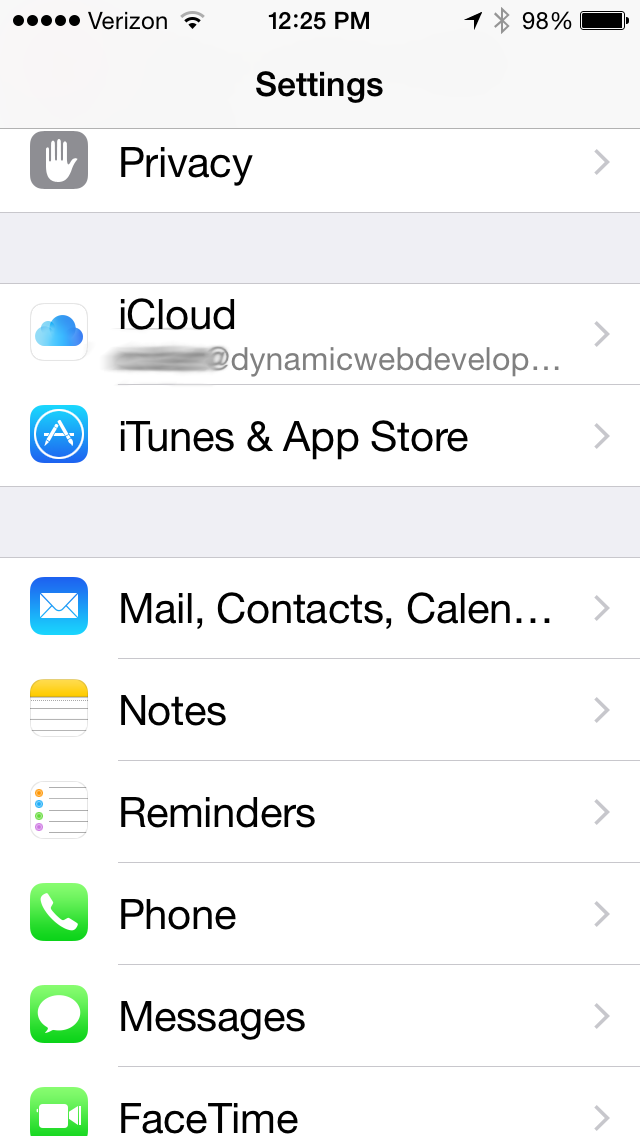
Open Settings and select: Mail, Contacts, Calen…
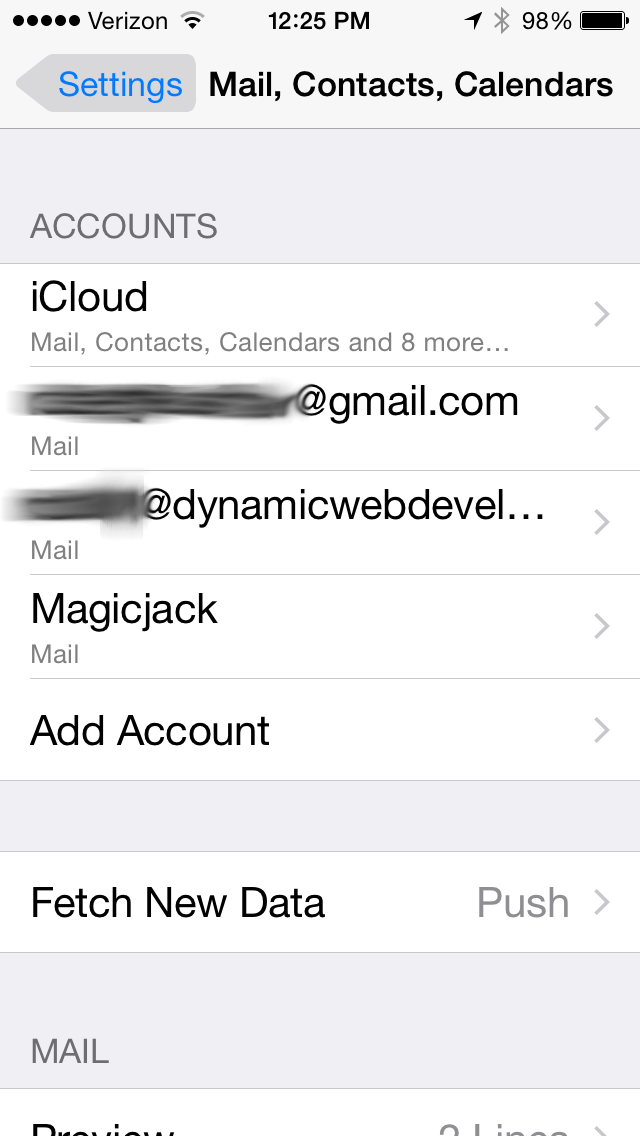
When you see this screen click on Add Account
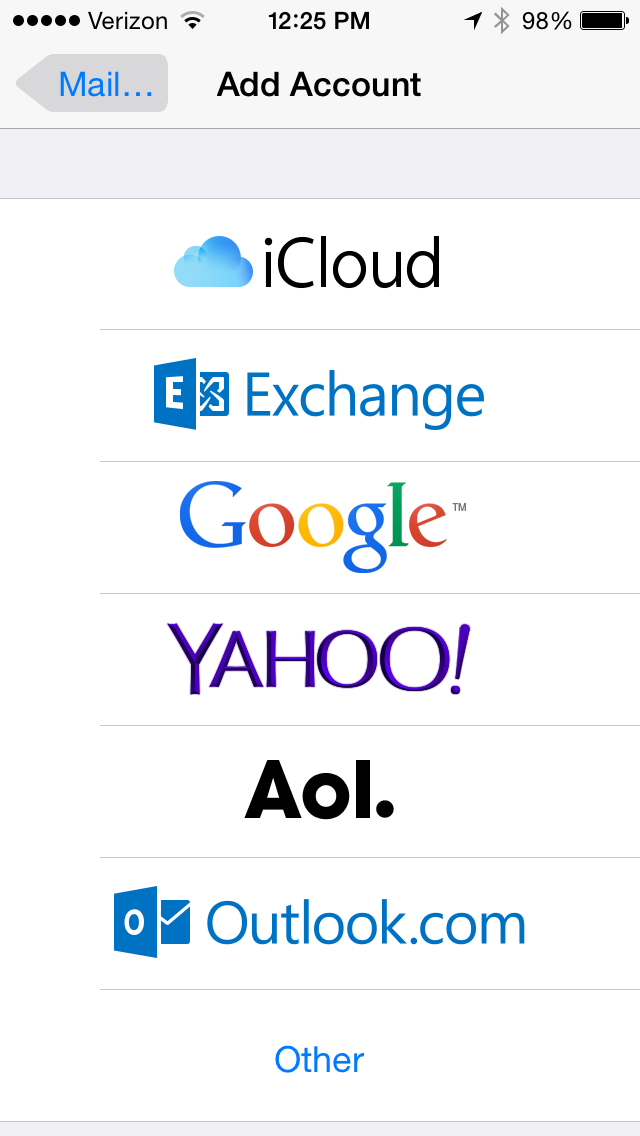
Select Other
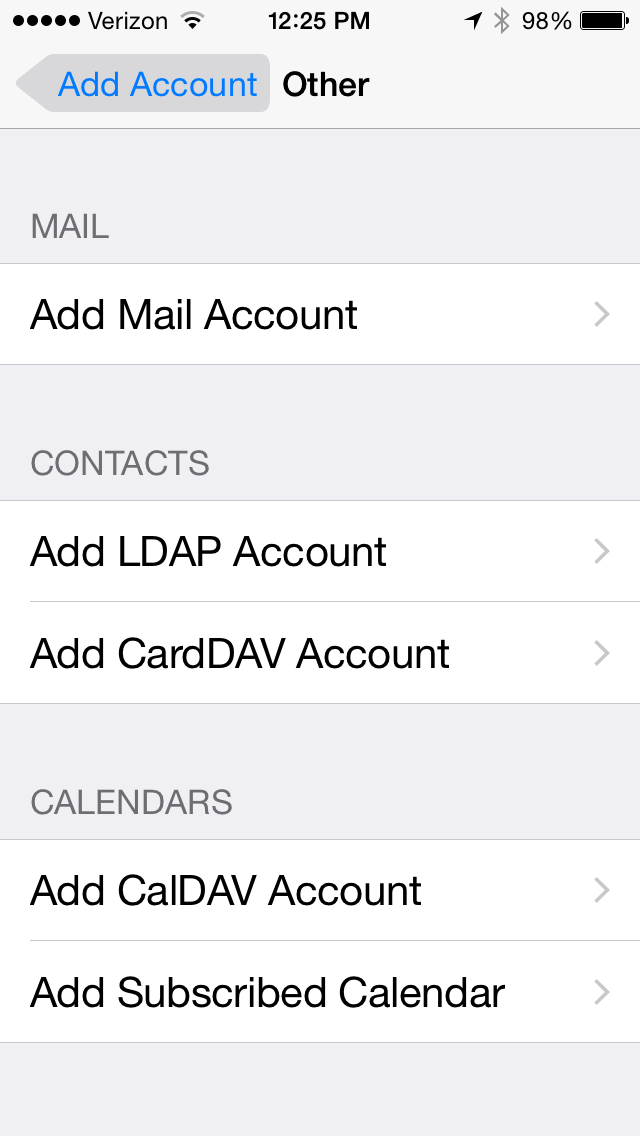
Add Mail Account
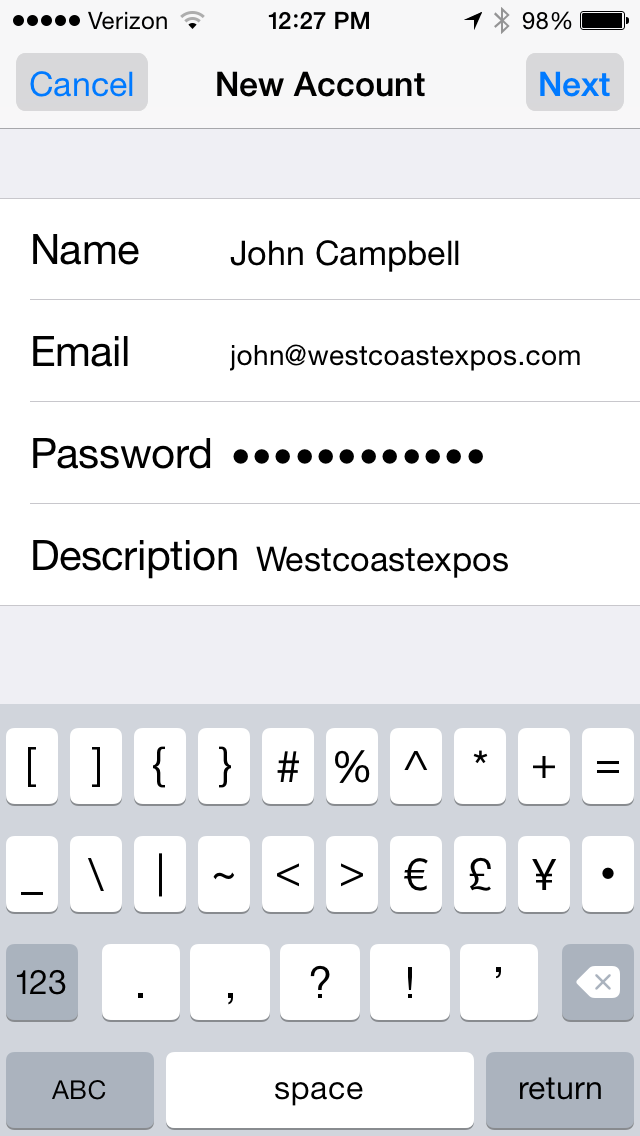
Enter Your Information and click Next
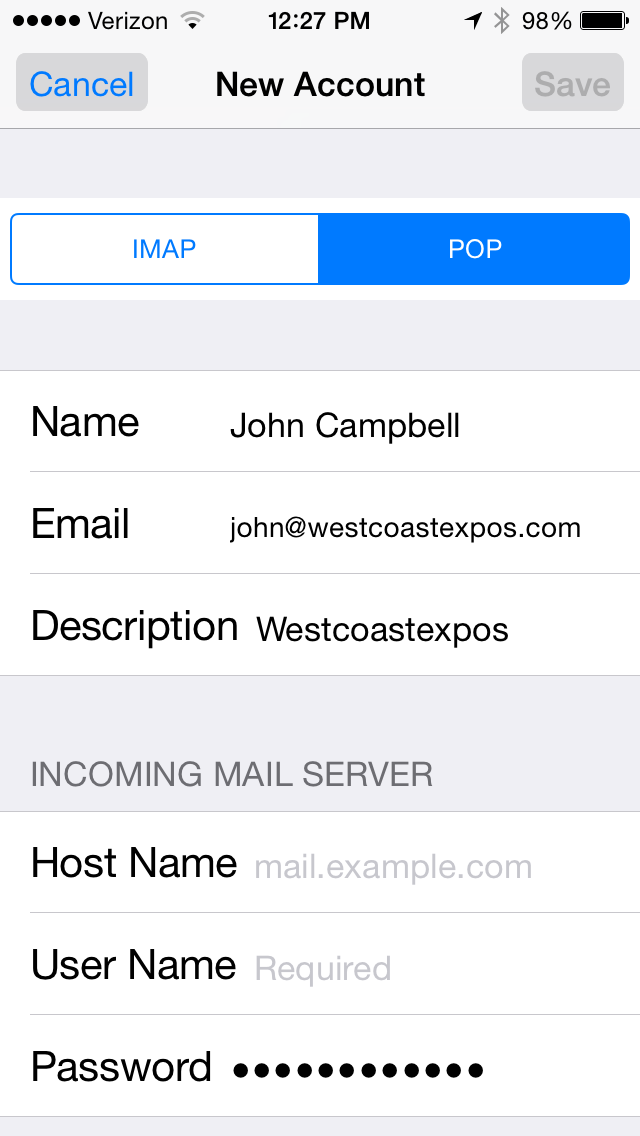
Select POP
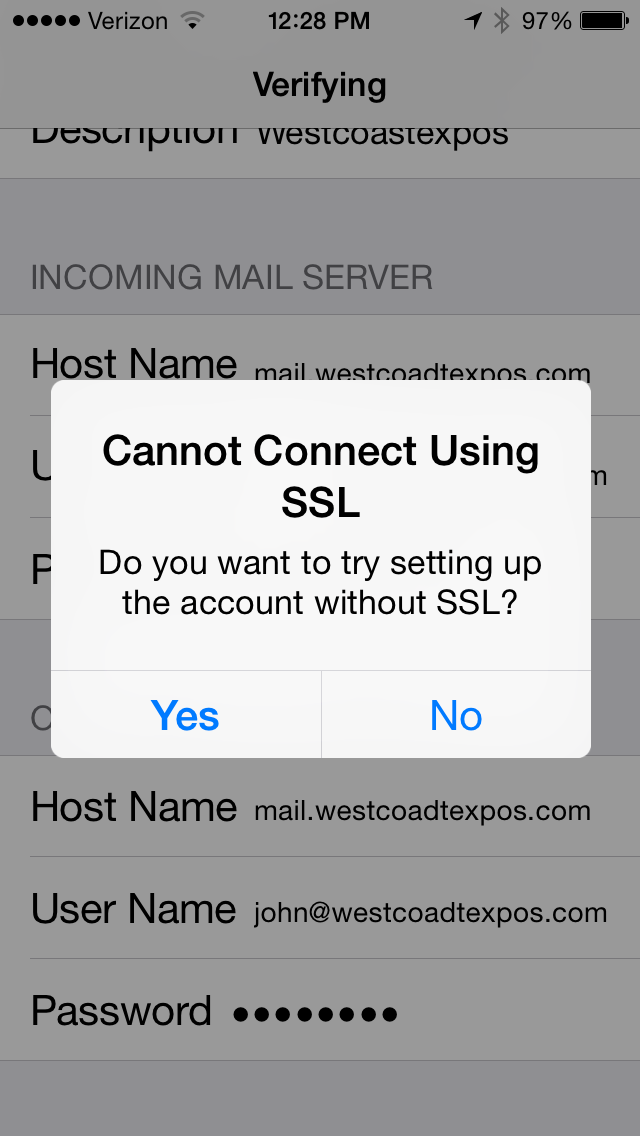
Click Yes
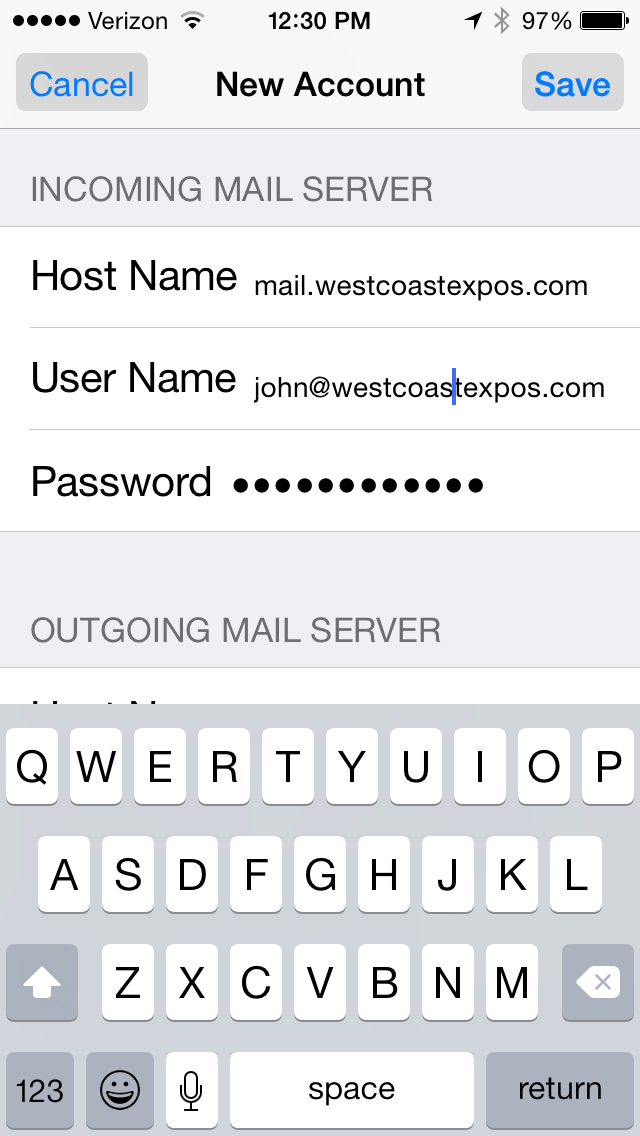
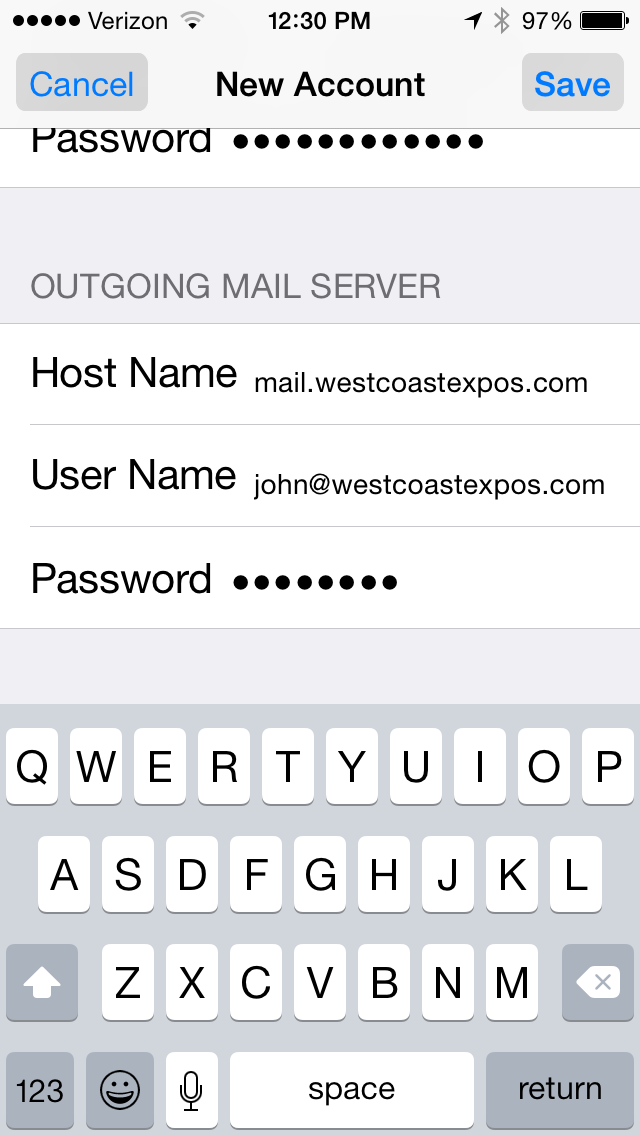
Enter this information and click Save
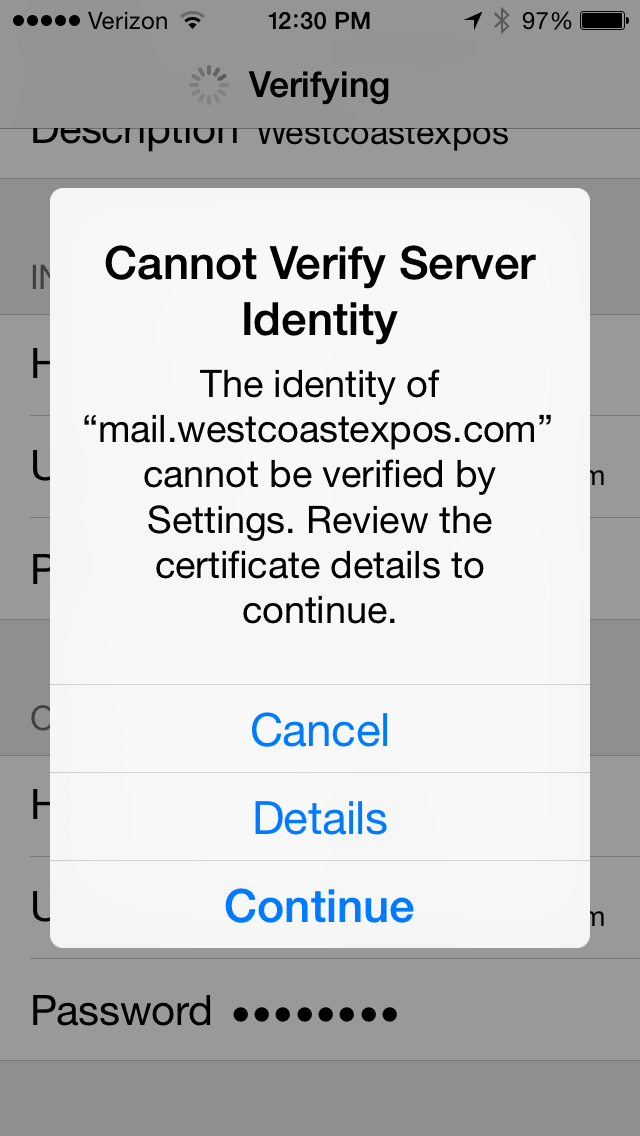
Select Continue
Now open your email app and send a test message from this new email account to a friend or another email address you have. When you receive the email message, reply with something like, “Got it”. Now open the new email account and see if you got the reply.